Print-ready PDF
Built to Amazon KDP and IngramSpark interior specs, with fonts embedded and gutters sized from your page count.
Write · Design · Publish
Novilo is where you write your book, see every spread exactly as it will print, and export a paperback PDF and an EPUB ebook ready for Amazon KDP, IngramSpark and the ebook stores. It runs in your browser, with nothing to install.
7-day free trial on every plan. You won't be charged until it ends. Cancel anytime. Your books stay yours.
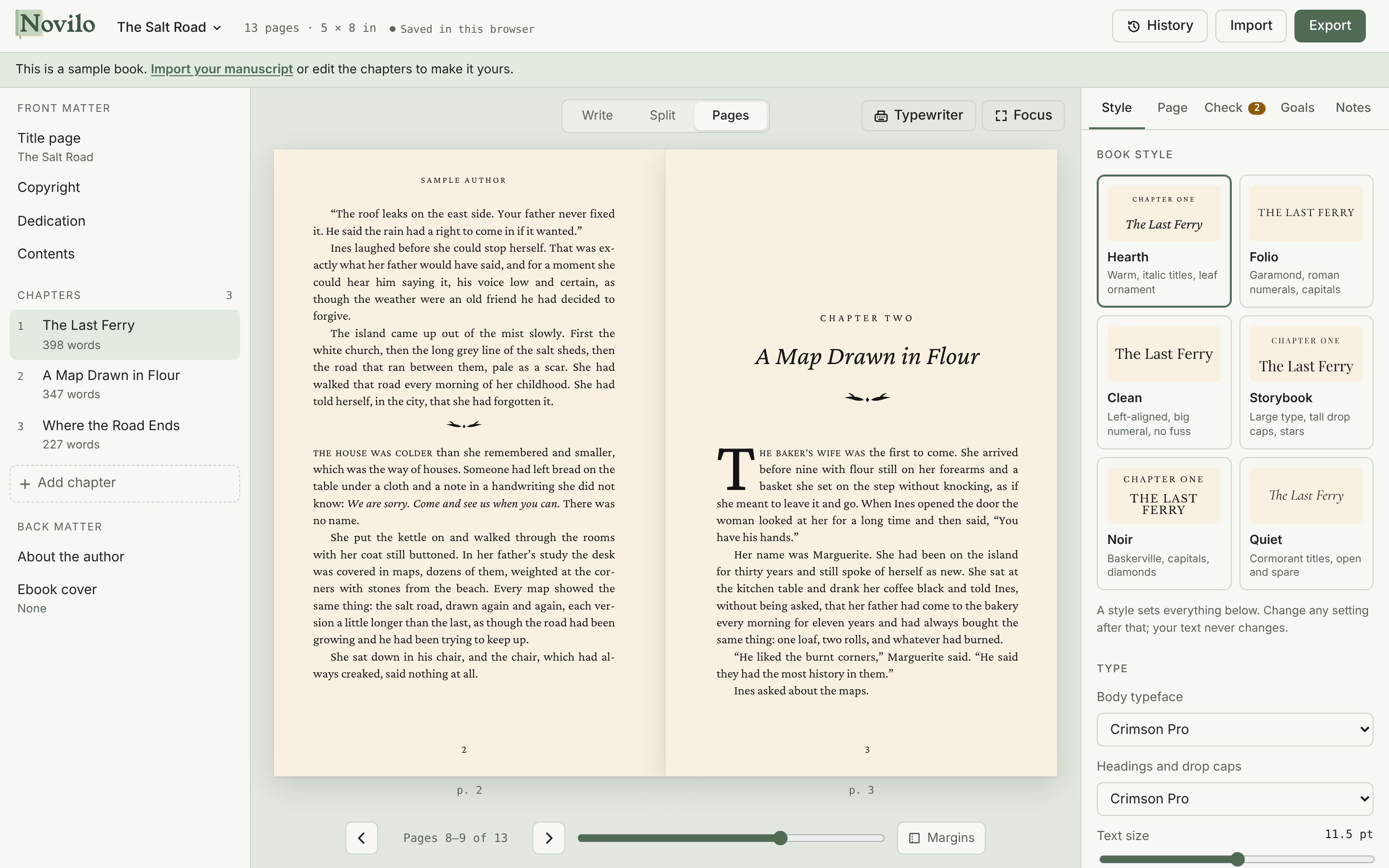
Most authors write in one program, format in another and wrestle with a third to get files the printer accepts. Here it is one book, start to finish.
Every change you make appears on the printed page as you type: real line breaks, hyphenation, running heads and page numbers. No export-and-check loop.
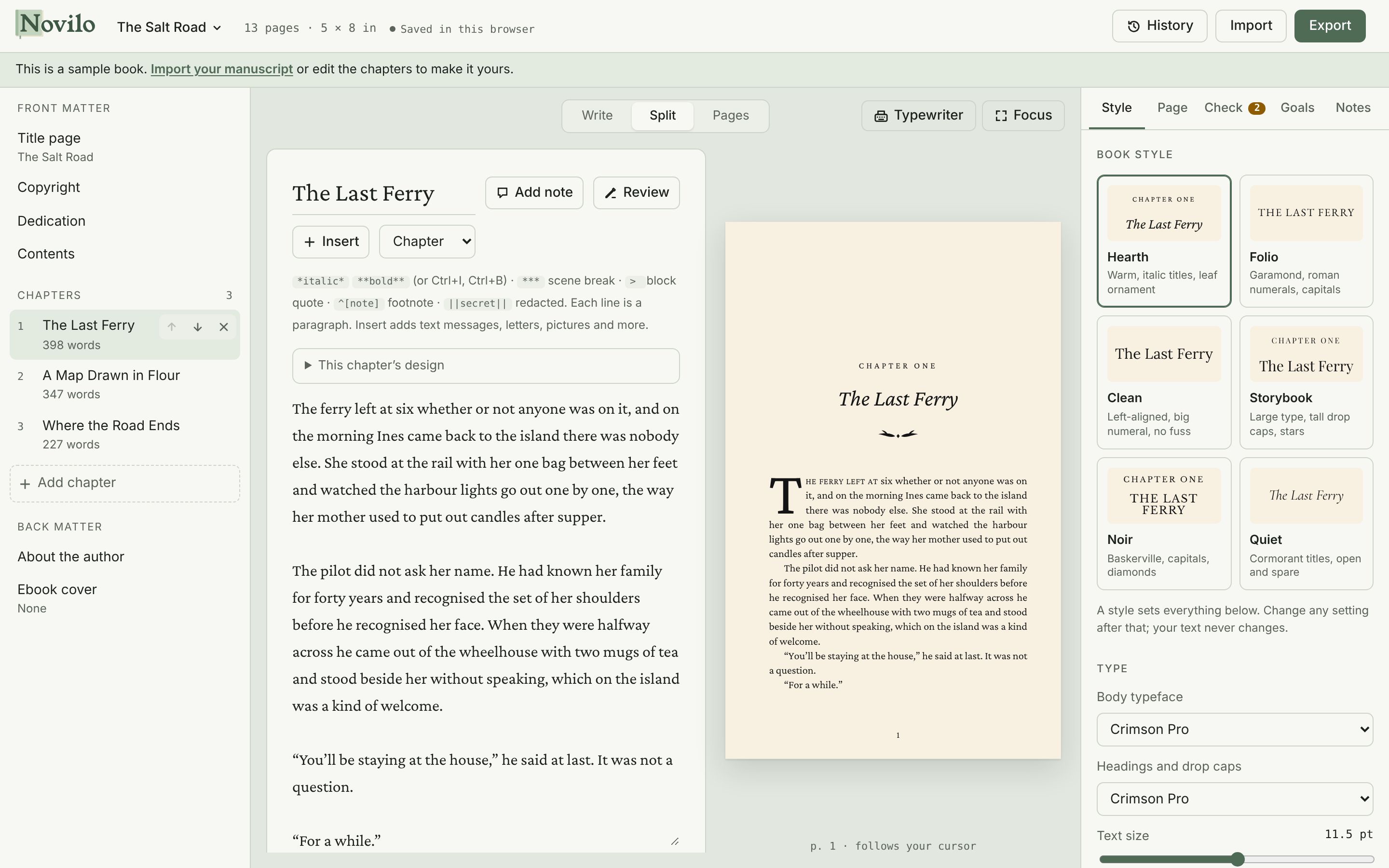
Pick a style and the whole book is set: typeface, chapter openings, drop caps, ornaments and scene breaks. Then adjust anything, for the whole book or for one chapter.
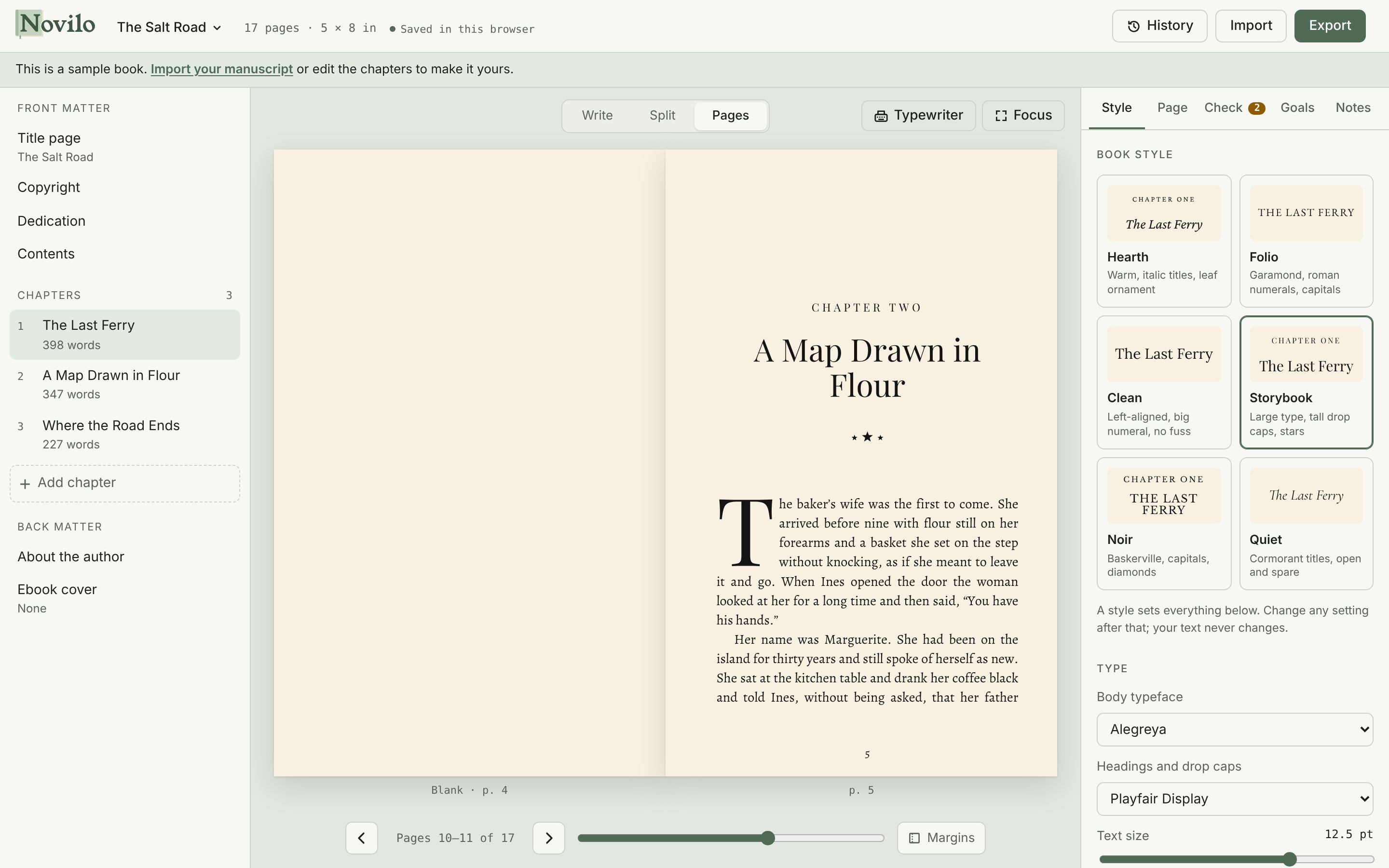
Modern stories are told in group chats, diary entries and redacted case files. Insert one and it is laid out properly in print and in the ebook, with no fiddly formatting.
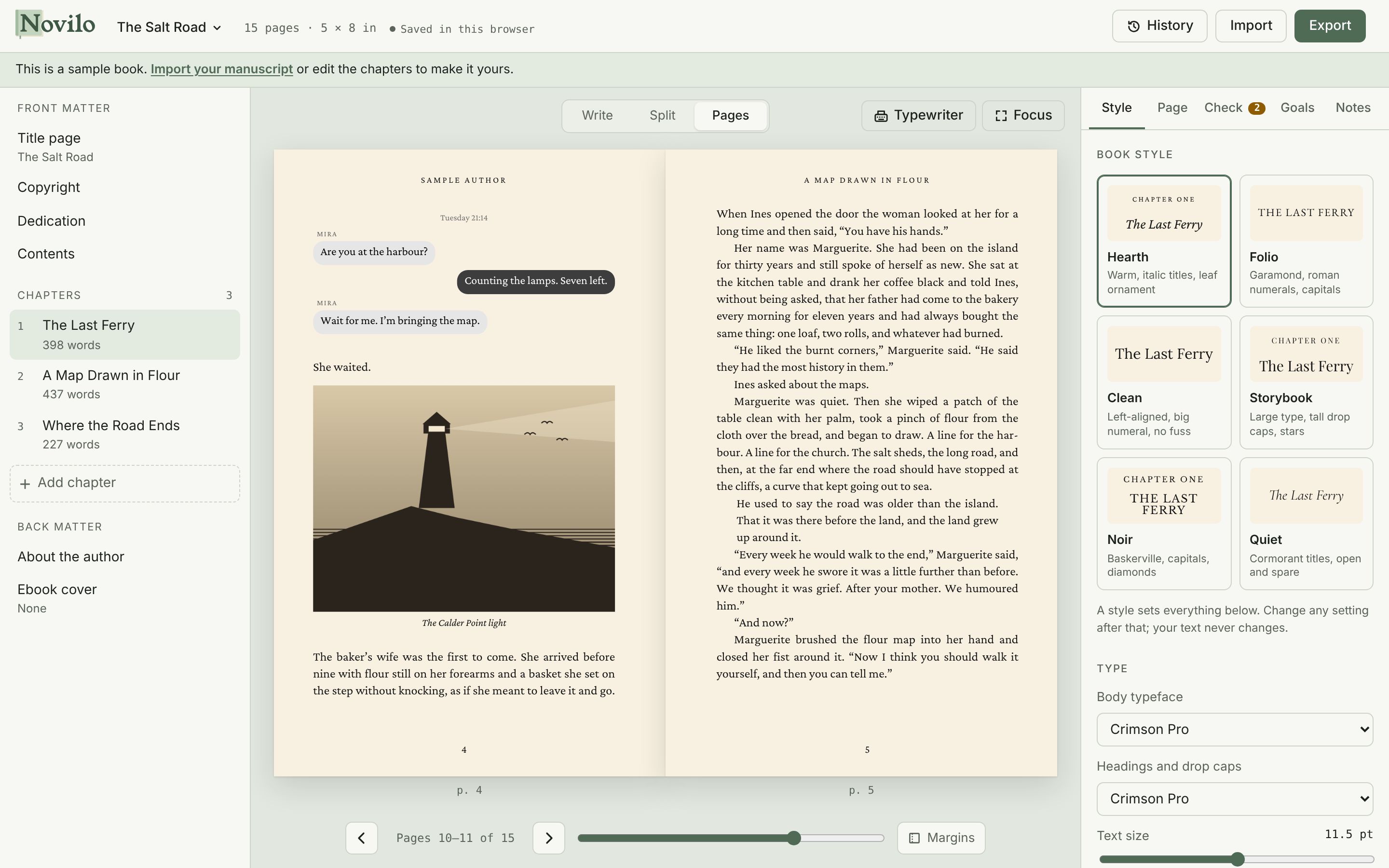
Upload a picture or describe one and let AI draw it in ink, pencil, woodcut, watercolour or map style. Crop, rotate and tone it, then place it in the text, on its own page or edge to edge.
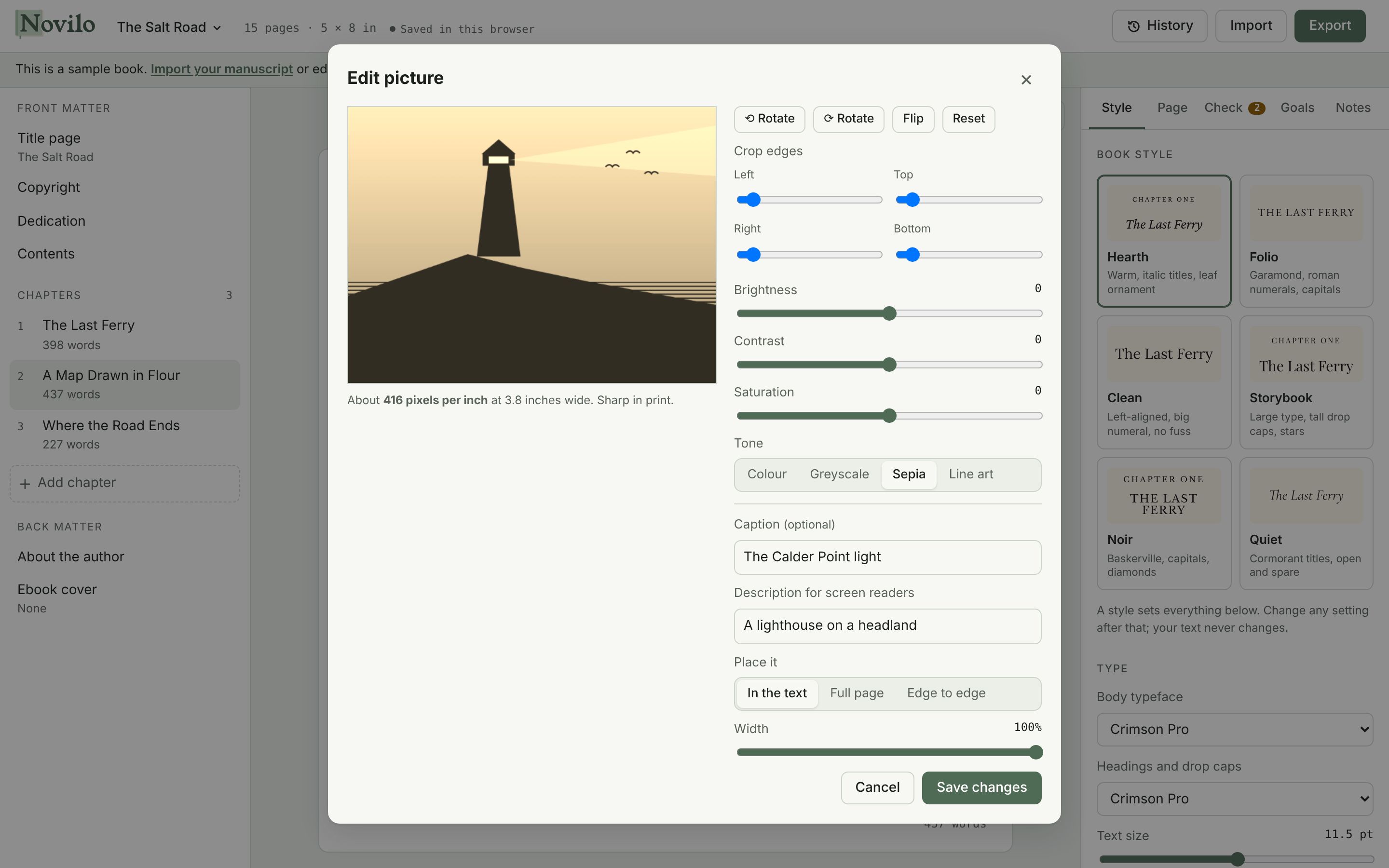
When the words need coaxing, roll in a fresh sheet. Each key strikes with a little ink and a little wobble, the carriage moves, the bell rings at the margin. Everything you type lands in your manuscript.
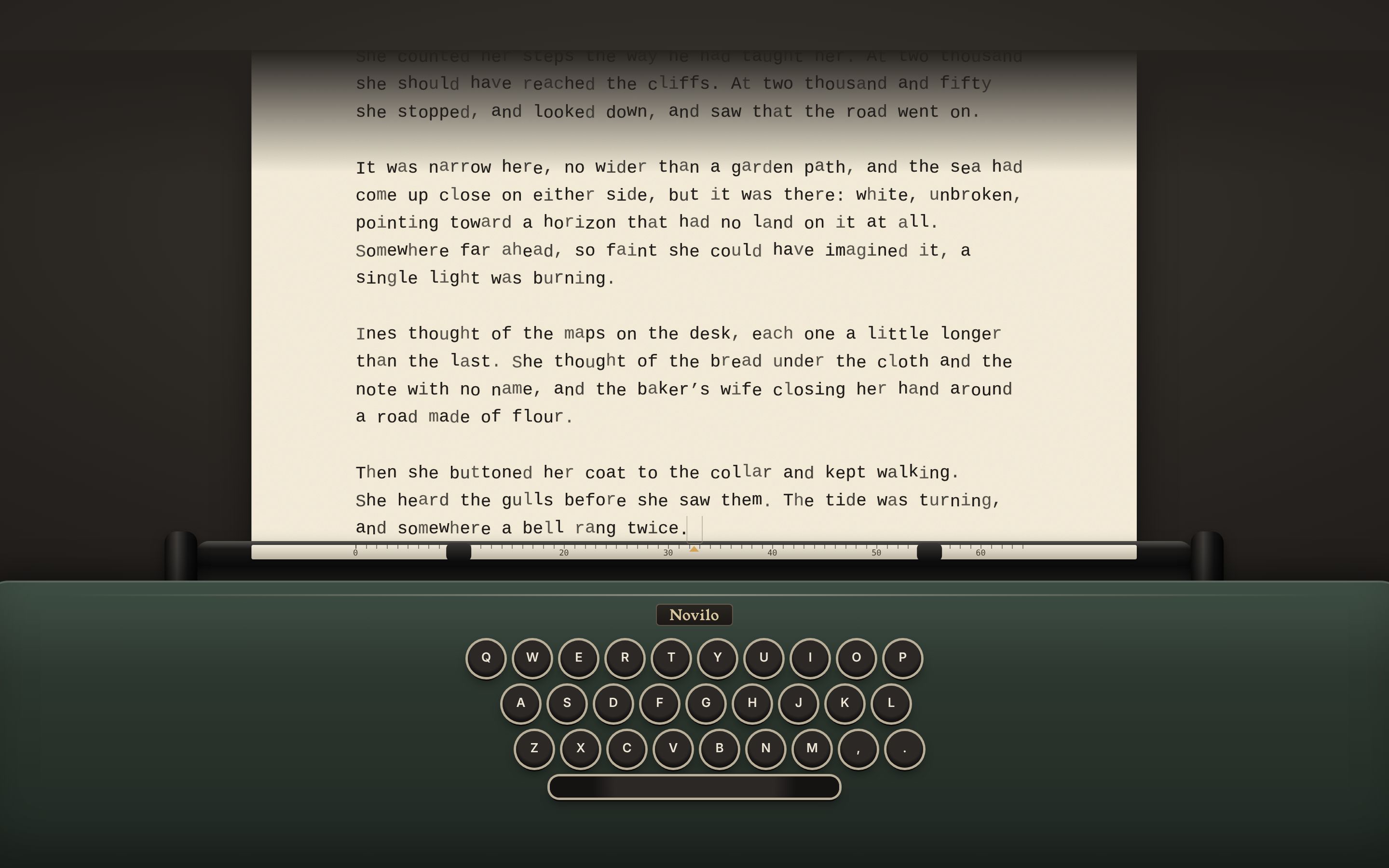
Soft focus dims everything but the current sentence or paragraph, and typewriter scrolling keeps your line in the middle of the screen. Paper, sepia, daylight and night themes.
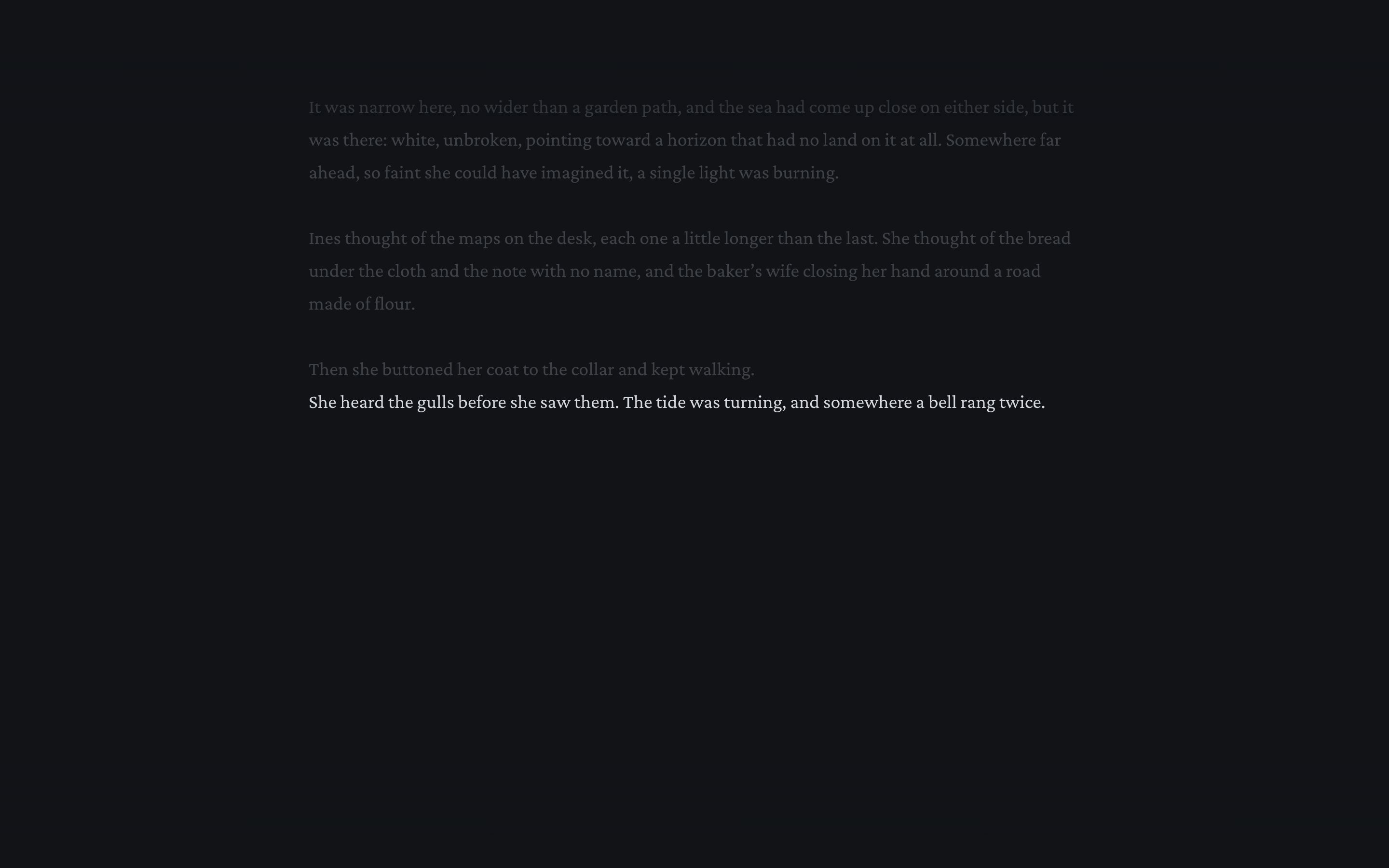
Built to Amazon KDP and IngramSpark interior specs, with fonts embedded and gutters sized from your page count.
EPUB 3 with a linked contents page, pop-up footnotes, your cover and pictures, for Apple Books, Kobo, Google Play and Kindle.
Proofreading for spelling, grammar and punctuation, or editing notes on clarity and pacing. Nothing changes until you accept it, and your writing is never used to train AI.
Automatic restore points every 15 minutes, named versions, whole alternate drafts, and a word-by-word comparison.
Set a word count and a deadline. See your daily pace, writing streak and twelve weeks of progress.
Pin notes to any words, reply to them, and resolve them when the fix is in.
Send beta readers and reviewers their own PDF or ebook, each marked with their name.
Your books save to your account and open on your laptop, tablet or phone, and keep working offline.
Page count, gutter and margins checked against KDP's rules, plus empty chapters, a missing cover and characters the fonts can't print.
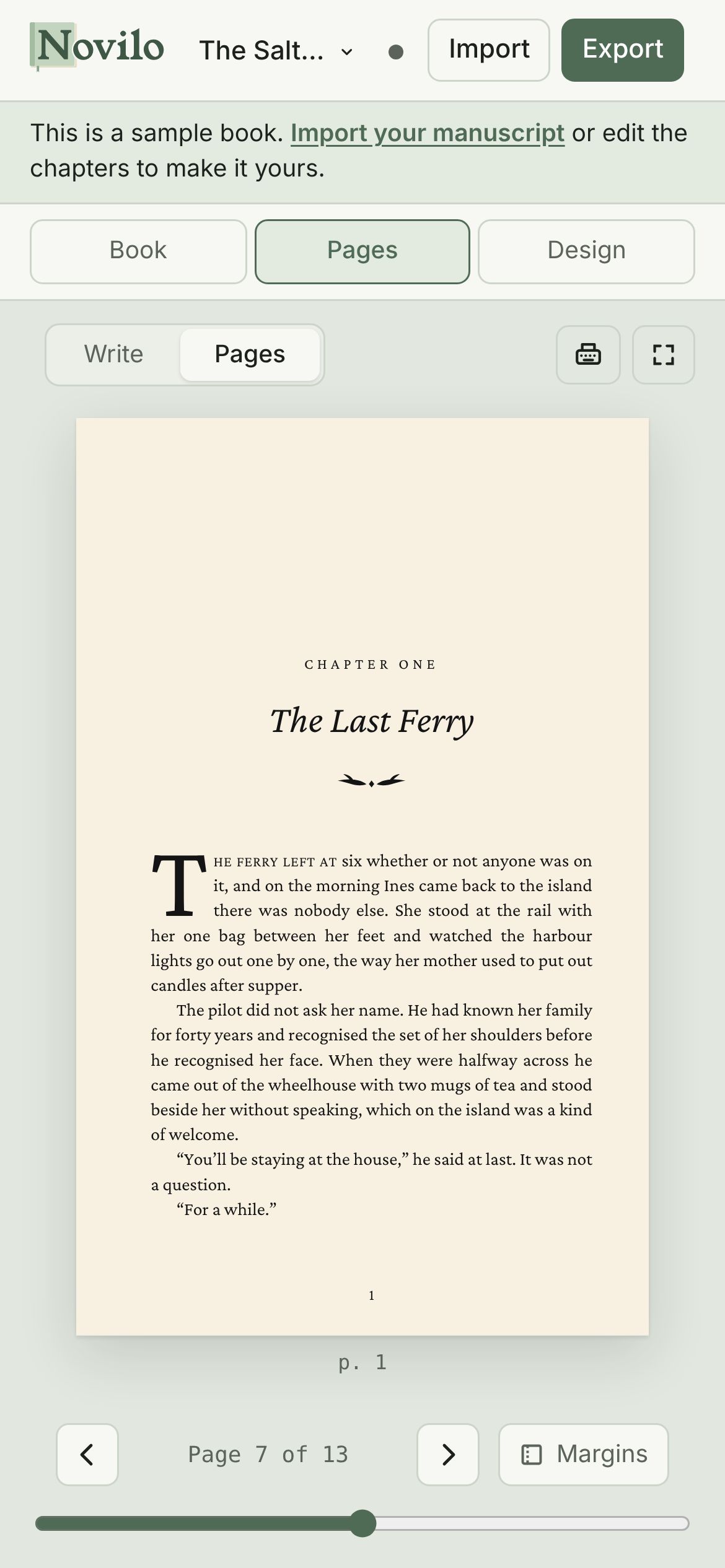
The same book on your phone: write, read through your pages and fix a typo wherever you are. Add it to your home screen and it opens like an app.
Then choose monthly or yearly. Cancel before the trial ends and you pay nothing.
7 days free, then billed monthly
About $8.25 a month, paid once a year
Your card is charged after the 7-day trial unless you cancel. Prices in US dollars. Cancel from your account menu in two clicks; you keep access until the end of the period you paid for.
The print PDF follows KDP's interior requirements: your chosen trim size, fonts embedded, and inside margins that grow with your page count as KDP requires. The EPUB is the format KDP, Apple Books, Kobo and Google Play Books take for ebooks. Always look through KDP's own previewer before you publish; it is the final word.
Yes, completely. We never claim any rights to what you write, and the files you export are yours to publish anywhere.
No. The AI editor and illustrations only run when you ask, your text is sent for that request alone, and our AI provider does not train its models on it.
Nothing is deleted. Your books stay safe in your account for when you come back, and you can download them as project files at any time. Subscribe again whenever you're ready to keep writing.
Yes. Import a Word document (.docx), Markdown or plain text file. Chapters are found from your headings, and italics and bold come across.
Yes. Once you have opened it, you can keep writing without a connection. Your changes save to your account when you are back online.
No. It runs in Chrome, Safari, Edge and Firefox on a computer, tablet or phone. You can add it to your home screen or dock to open it like an app.